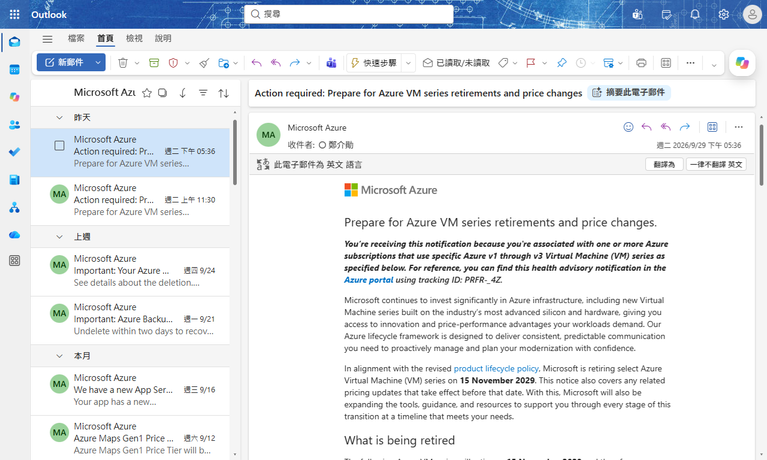
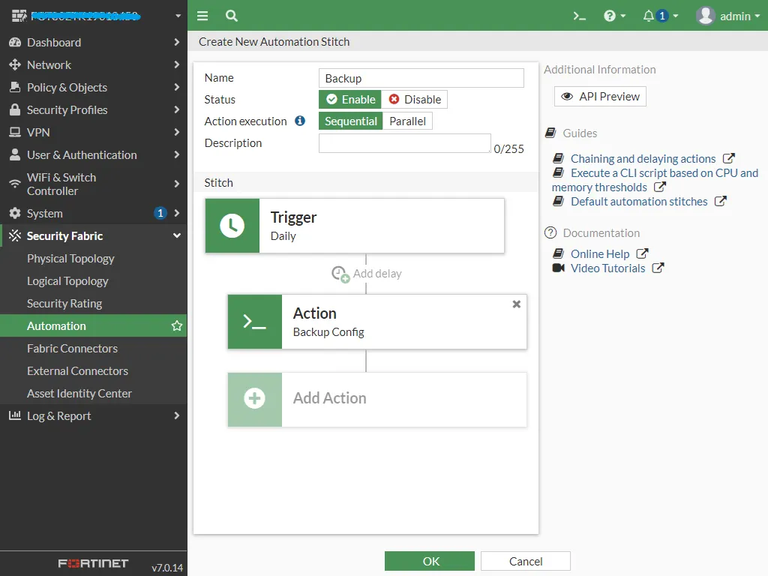
通常我們不希望 Windows 自己決定什麼時候安裝更新,尤其伺服器上可能運行 SQL Server 或其他重要服務。除了可能需要重新開機,也可能碰到應用程式相容性或更新本身的已知問題,我通常希望採取先檢查有哪些更新,再決定要安裝哪些 KB 的方式。
但是 Windows Server 2022 點選 Check for Update 之後,就直接幫你把所有 KB 都安裝完畢了。
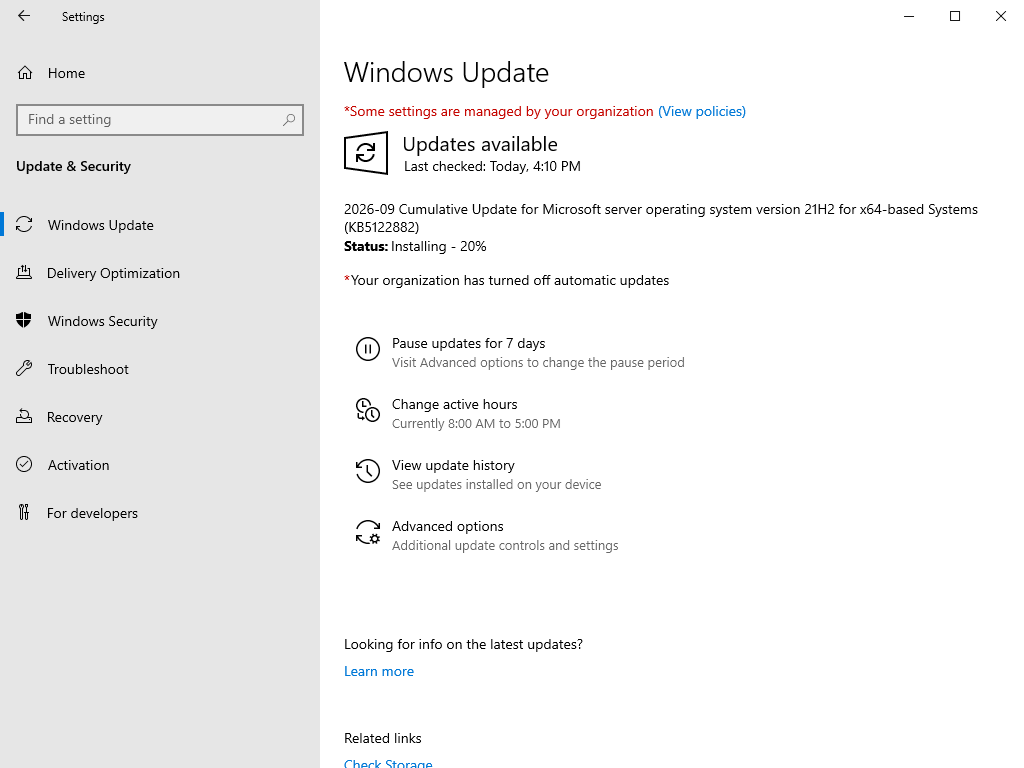
然後叫你再找時間重開機
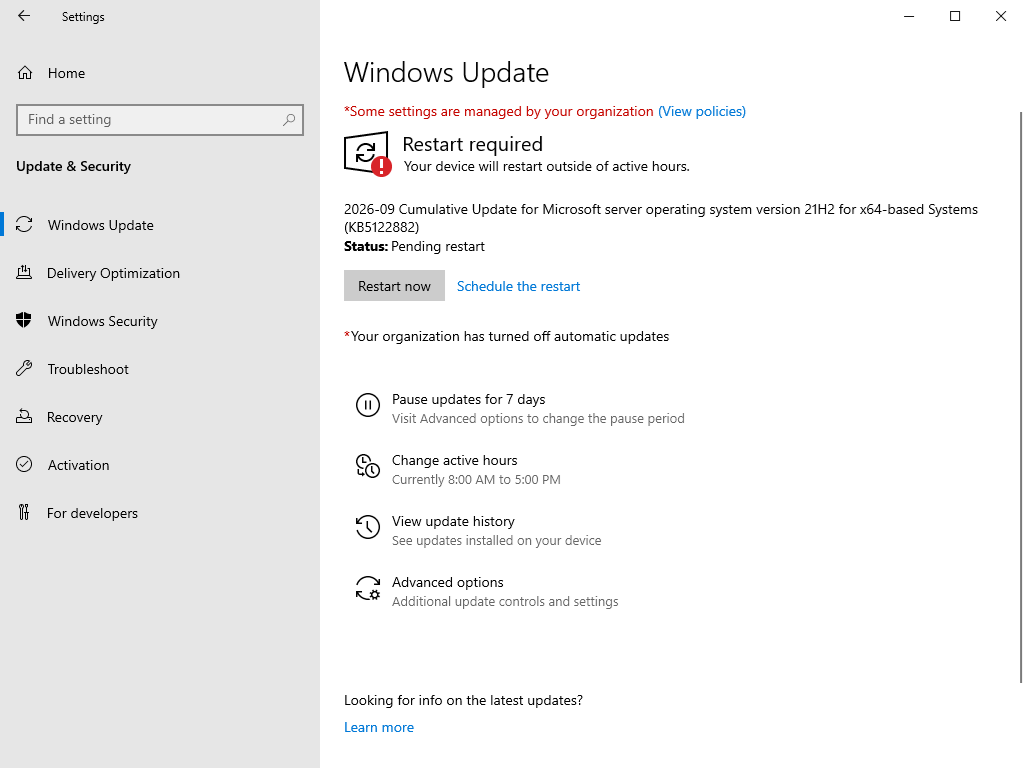
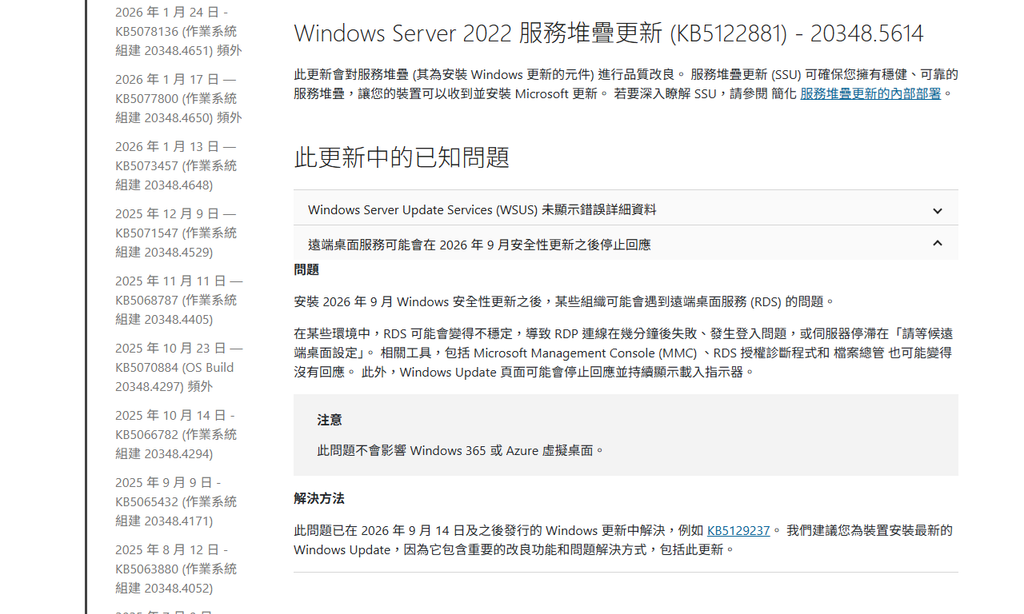
KB5122882 此更新中存在的已知問題
安裝 Windows Server 2022 的 2026年9月安全性更新 KB5122882 後,可能會導致遠端桌面服務 (RDS) 發生死鎖(Deadlock)而停止回應。
症狀與影響
- RDP 連線失效:新建立的 RDP 連線會在驗證或「請等候遠端桌面設定」畫面卡死,幾分鐘後失敗。
- 系統凍結:工作管理員、MMC 及檔案總管等相關工具變得沒有回應,最終可能需要強制重啟伺服器。
- 觸發條件:伺服器重開機後數小時運作正常,但當管理員透過遠端桌面登入、完成作業並中斷連線後便會觸發。
解決方法
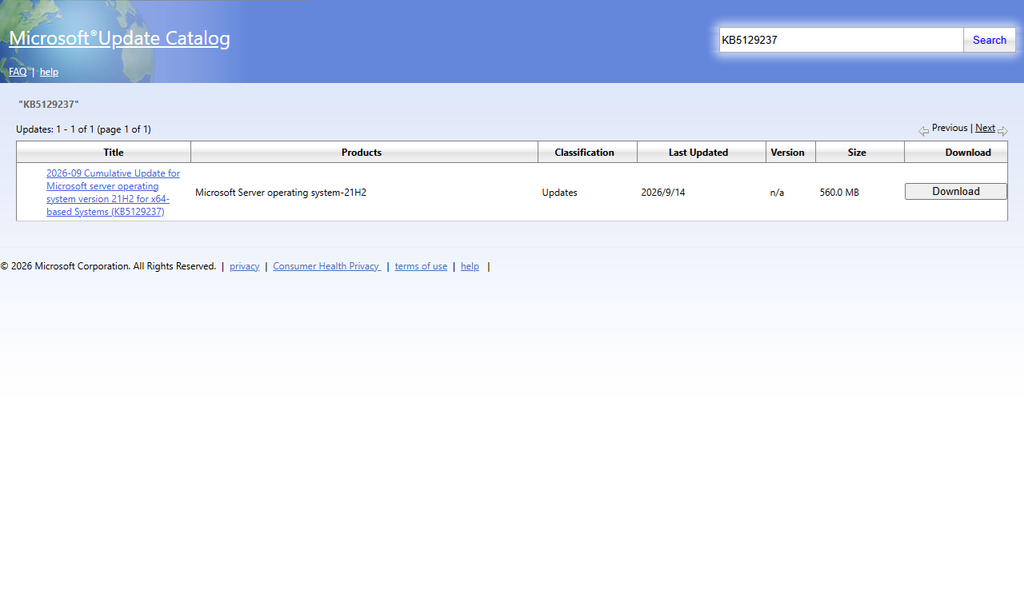
微軟已於 2026 年 9 月 14 日釋出 Out-of-band 累積更新來解決此問題
- Windows Server 2022 修正更新:請安裝 KB5129237 或更新版本來修復此問題。
- 取得管道:此類 OOB 更新主要透過 Microsoft Update Catalog 發布,建議前往下載並套用。
雖然微軟有緊急釋出新的累積更新來解決問題,不過最好還是讓子彈飛一下。
Windows Update 手動更新
以系統管理員開啟 CMD 或 PowerShell
SConfig================================================================================
Welcome to Windows Server 2022 Datacenter
================================================================================
1) Domain/workgroup: Workgroup: WORKGROUP
2) Computer name:
3) Add local administrator
4) Remote management: Enabled
5) Update setting: Manual
6) Install updates
7) Remote desktop: Enabled (more secure clients)
8) Network settings
9) Date and time
10) Telemetry setting: Required
11) Windows activation
12) Log off user
13) Restart server
14) Shut down server
15) Exit to command line (PowerShell)
Enter number to select an option:
選擇 6) Install updates
================================================================================
                                  Install updates
================================================================================

  Search for:

    1) All quality updates
    2) Recommended quality updates only
    3) Feature updates

  Select an update category (Blank=Cancel): 1
選擇 1) All quality updates,會先搜尋所有 Quality Updates。
搜尋完成後,才會進到下一個畫面列出找到的更新。
Searching for all applicable updates...

  Available update(s):
    1) Windows Malicious Software Removal Tool x64 - v5.145 (KB890830)
    2) 2026-09 Cumulative Update for .NET Framework 3.5, 4.8 and 4.8.1 for Microsoft server operating system version 21H2 for x64 (KB5126149)
    3) Security Intelligence Update for Microsoft Defender Antivirus - KB2267602 (Version 1.459.366.0) - Current Channel (Broad)
    4) 2026-09 Cumulative Update for Microsoft server operating system version 21H2 for x64-based Systems (KB5122882)

  Install (A)ll updates, (N)o updates or select a (S)ingle update? (Blank=Cancel): S
  Select index of update to download and install (Blank=Cancel): 2
例如你目前只想安裝 2026-09 Cumulative Update for .NET Framework 3.5, 4.8 and 4.8.1
輸入 S 代表指定單一更新,然後輸入該更新的索引號碼。
Downloading update(s)...
  Installing update(s)...

  Installation results:
    1) Succeeded - 2026-09 Cumulative Update for .NET Framework 3.5, 4.8 and 4.8.1 for Microsoft server operating system version 21H2 for x64 (KB5126149)

  Summary:
    Installation: Succeeded
    Restart required: True
  Restart now? (Y)es or (N)o:
今天的分享就到這邊,感謝收看。